Skip to content
Operationalv0.1.4 · Mac · Win

Floatboat — the proactive agent OS that runs your calendar.

Drop tasks on your calendar. Floatboat preps before meetings, ships while you're in them — or asleep — and follows up after. Wake up to finished work, not a to-do list. Works with Google Calendar, Notion, Lark, Outlook, iCloud, or any ICS feed.

Calendar = runtime · Each block fires an agent, not a meeting

Live event · FloatCup 2026

FloatCup 2026 — predict, invite, create.

Three parallel tracks, real payouts. Call match winners for credits, invite friends to split a $1,000 weekly pool, or post about Floatboat for $20 per approved post.

FIFA World Cup trophy on a pitch at dusk

Used by people who left these places to build alone

The shift

Calendar-driven AI, not another chat box.

Work isn't a chat thread — it's a schedule. Chat-based AI waits for you to ask. Floatboat runs with your calendar, so the work is half done by the time you sit down.

Chat-based AI today

Reactive
  • Waits for a prompt before anything happens — nothing runs while you're heads-down or asleep.
  • Context resets every session — no memory of your week, your meetings, or what shipped yesterday.
  • Lives in a tab. If you don't open it and type, no work gets done.
Trigger: you, typing a prompt

Floatboat

Calendar-driven
  • Runs on your schedule — prep fires before the meeting, draft fires before the deadline, follow-up fires after.
  • Every event has a persistent Agent Workspace with files, run history, model choice, and decisions.
  • Coordinates across devices and teammates — pick up the same workspace on Mac, Windows, or in FloatIM.
Trigger: an event on your calendar

Calendar in, finished work out

Block out "Draft Q3 update · Thu 9pm" or "Reply to investor email · before standup". Floatboat picks each block up at the exact time you set, runs the work end-to-end, and drops the finished artifact into your inbox or Notion before the block ends.

Your calendar becomes the queue. Your sleep becomes the build window.

Browse Combo skills

Time-triggered · Runs overnight
A calendar block glowing at night, sliding a finished document into an inbox tray

Every calendar you already use

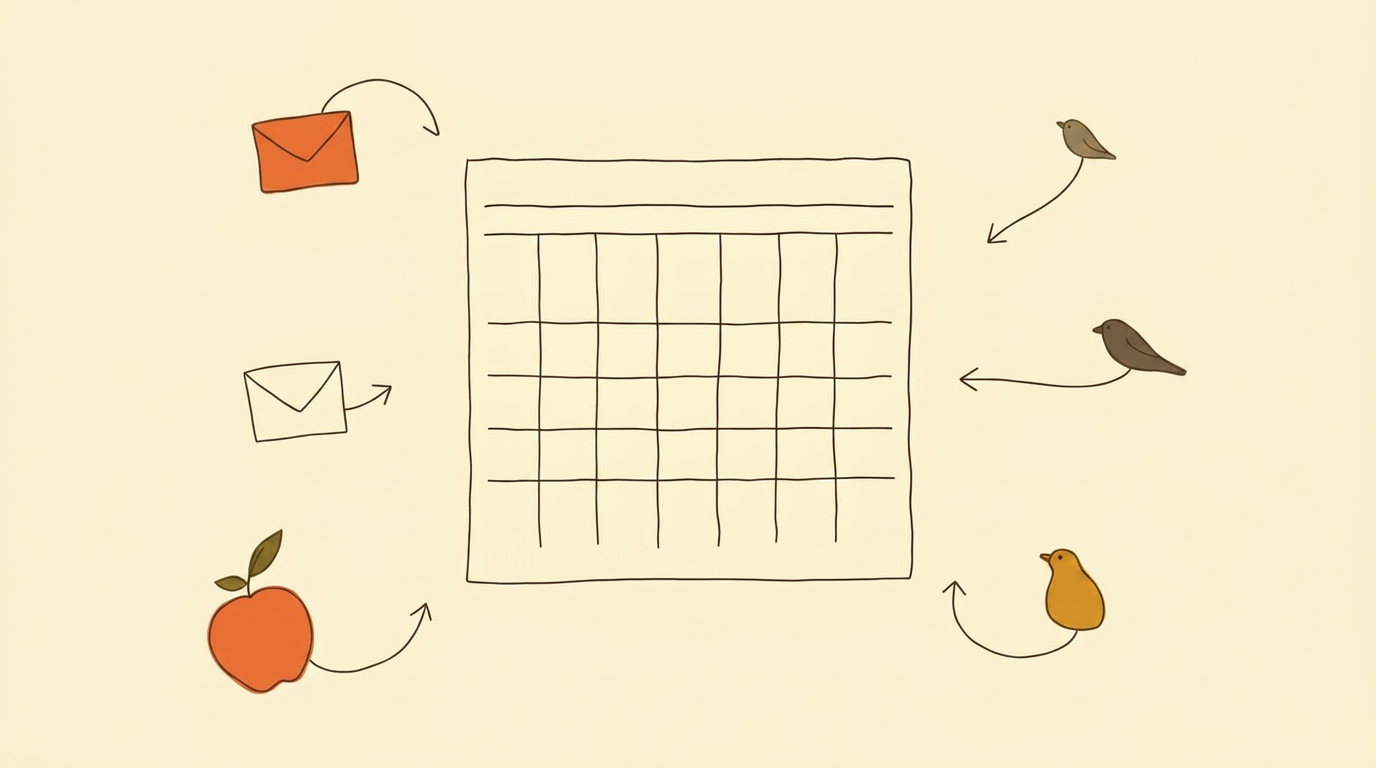
No new calendar to learn and no migration. Connect once, and Floatboat watches the calendars you already share with your team and clients — Google, Lark, Notion, Outlook, iCloud, or any ICS feed.

Move an event on your phone and the agent reschedules its run to match, in seconds.

See all calendar & tool integrations

Google · Lark · Notion · Outlook · iCloud
One central calendar with envelopes, an apple and bird silhouettes flowing into it

3,500+ tools and files, one workspace

Floatboat plugs into every tool, file and API you already pay for — Notion, Slack, GitHub, Linear, Google Drive, Gmail, Figma, your local Word / PDF / PPT, and any MCP server. No re-uploading, no copy-paste, no second source of truth.

Built on native MCP + IACT, so permission scopes are set per calendar event, not per account.

See all integrations & protocols

3,500+ tools · MCP + IACT
A laptop hub with notes, chat bubbles, files and a small cube radiating outward as connected tools

Every frontier model, zero setup

DeepSeek, MiniMax, GLM, Kimi, GPT-5, Claude, Gemini — all built in. No API key, no VPN, no Chinese phone number, no local login. Chinese frontier models work out of the box from anywhere in the world.

Auto Mode routes per step and falls back instantly when a provider is rate-limited, so a run never dies mid-way.

Browse all models

Auto Mode · 0 setup
A small router box with model chips passing through it and one chip highlighted in amber

Pre-built recipes that ship the work

Combo Skills from the store turn voice notes into decks, sales calls into follow-up emails, and Linear tickets into PR drafts — in about ten minutes per run. Hundreds of vetted skills, one-click install.

Every Combo is editable and runs on calendar triggers, file drops or schedules — delivering before you open the app.

Explore the Combo Store

Hundreds of Combos · ~10 min/run
An open recipe book showing icon flows: microphone to slides, ticket to code, phone to envelope

Group chat with your AI agents

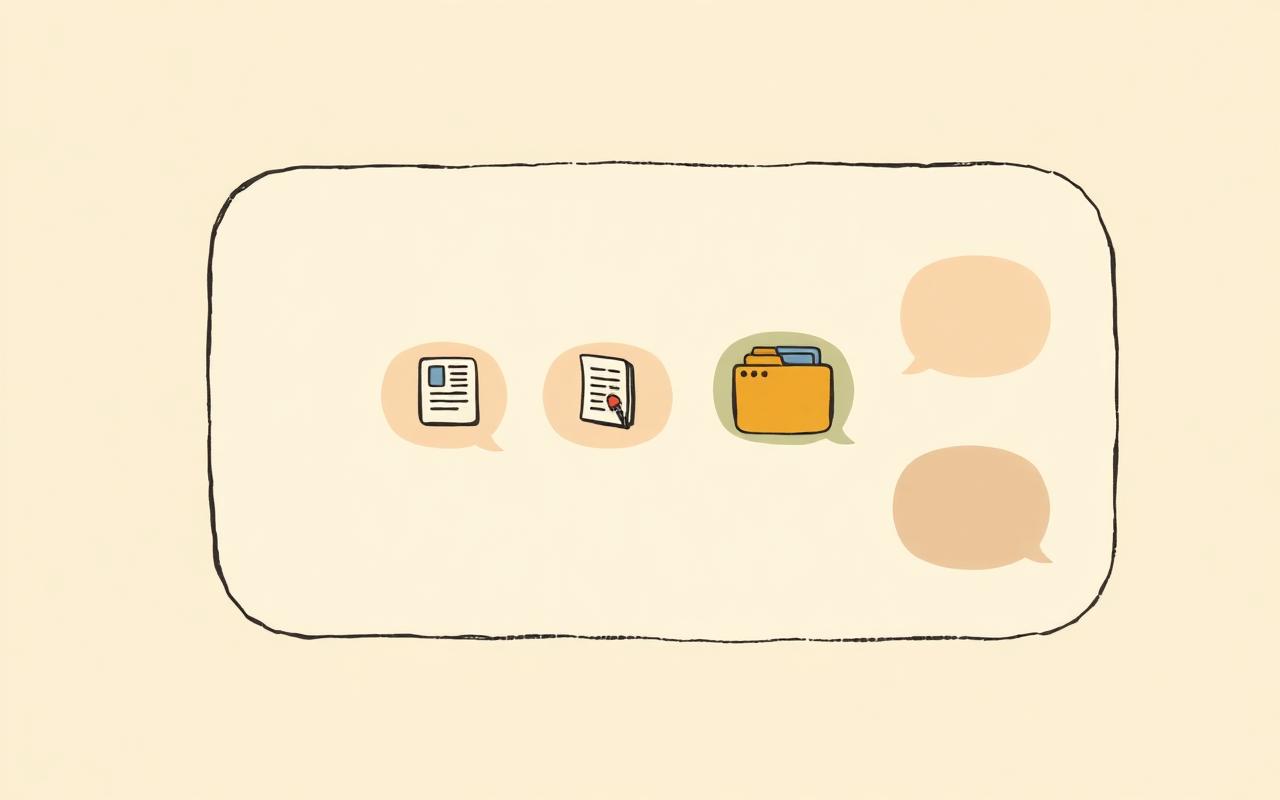
FloatIM is a group chat where every member is an AI agent running locally on your Mac. They self-organize into roles, hand off work, and reply with finished artifacts — drafts, research, slide decks — not paragraphs of text.

Built on open IACT + Selfware protocols. Local-first by default — you decide what syncs and what stays put.

See how FloatIM works

Local-first · IACT + Selfware
A group chat panel where agent bubbles deliver document, folder and slide icons instead of text

One workspace for every solo path

Whether you're a solopreneur, a creator, a small business owner or a 2–5 person studio — Floatboat is the desktop AI workspace that plans, executes and follows up so one person (or a tiny team) can ship like five.

It replaces a stack of disconnected AI subscriptions, and hands off cleanly to teammates over IACT if you hire later.

Browse 4 use-case paths

Solo · Creator · SMB · Studio
Four desk vignettes in a 2x2 grid: solo at a laptop, creator with camera, small storefront, two-person studio

The mechanism

From calendar event to finished work.

Four steps from a line on your calendar to a finished outcome — the same shape every time, no matter the meeting, deadline, or plan.

Step 01

Your schedule becomes the runtime

Floatboat treats your calendar as the agent's clock — every event is a trigger with context, not a list of contacts to import. Pulls from Google Calendar, Notion Calendar, Lark, iCloud, Outlook, or any ICS feed.

Step 02

Floatboat reads the rhythm

Meetings, deadlines, routines and plans get classified into the kind of work each one really needs — at the right time, with the right context.

Step 03

Agents prep and execute

Briefs before calls, drafts before deadlines, follow-ups after. Combo Skills turn messy input into finished deliverables on autopilot.

Step 04

You stay in the loop

Every event opens its own Agent Workspace with run history, files and decisions. Tweak prompts, swap models, re-run a step — anytime.

Frequently asked

Let your calendar do the work.

Proactive AI agents for Mac & Windows.