The AI Scheduling Assistant that runs the blocks it books.
Tell Floatboat what you want to ship this week. It places prep, drafts, overnight runs, and follow-ups on your calendar — then actually does the work at the right time. You approve before anything is booked. One click undoes everything.
Free · No signup · Works with Google · Notion · Lark · Outlook · iCloud · ICS
Tuesday
May 19, 2026
Calendar = runtime · each block fires an agent, not a meeting
- 08:30Done
08:30
Morning intel scan
ScheduleBriefer· Auto · GPT-5 miniDigest posted to FloatIM #morning · read by you
- 10:00Prep ready
10:00
Inbox triage & draft replies
InboxInbox combo· Auto · Claude SonnetTriaged 47 new threads · 6 priority · 12 archive · 29 FYI
- 13:00Needs you
13:00
Publish weekly newsletter
ScheduleWriter combo· Auto · GPT-5Subject line A/B prepared · awaiting your pick + send
- 15:00Running
15:00
Acme October invoice — auto-send
TogglInvoice combo· DeepSeek V3Signature requested · DocuSign envelope sent65% - 16:30Auto
16:30
Reconcile Stripe payouts → Notion
StripeBookkeeper· Auto · GPT-5 miniReconciled $14,820 across 23 payouts · 0 flags
Calendar = runtime. Each block is an agent run, not a meeting. 5 runs · 3 automated · 1 needs you.
Schedule what to ship
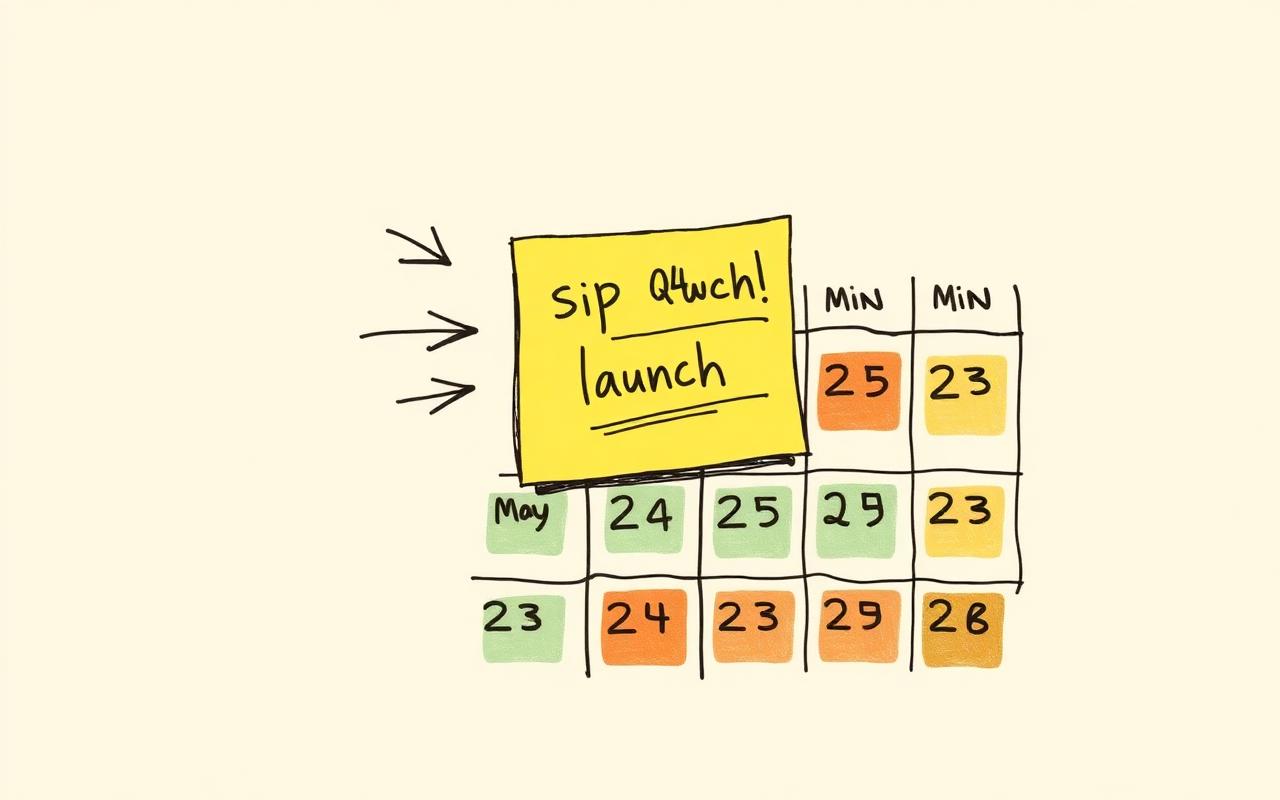
Schedule what to ship, not when to start
You tell Floatboat the outcome — ship a launch, prep an investor update, onboard a customer — and it places prep, draft, overnight, and follow-up blocks on the right days, around the meetings you already have. You stop planning, start approving.

A block is a runtime
Every block runs an agent, not a reminder
In Motion or Reclaim, a calendar block is a protected slot of time. In Floatboat, it's a scheduled program — a model, your files, an instruction, and an approval gate. When the clock hits 22:30, the block doesn't ping you. It starts working.

Before · During · After
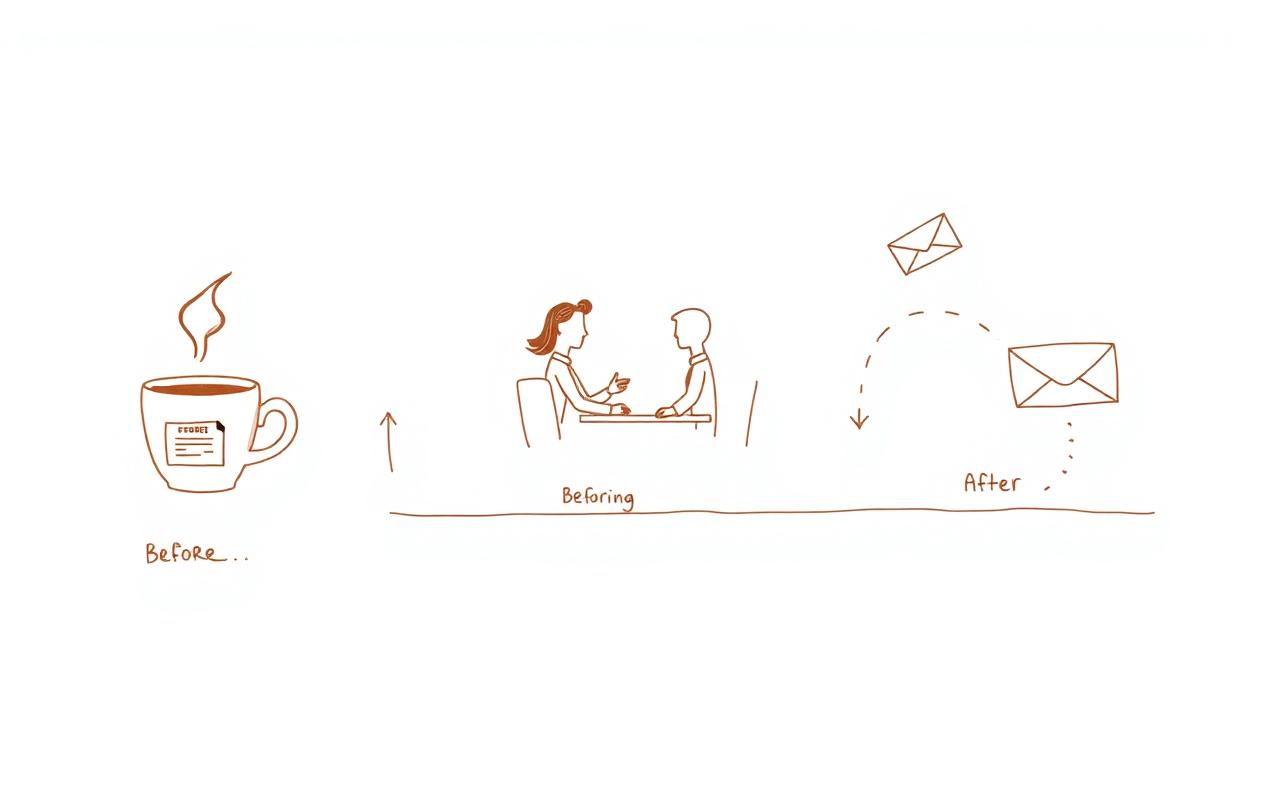
Preps before, executes during, follows up after
Ten minutes before a customer call, the brief lands in your inbox. While you're on the call, the agent is drafting the deck you promised. Twenty minutes after, the recap and next-step email are waiting in your drafts. Every meeting becomes a three-act run.

Bring your calendar
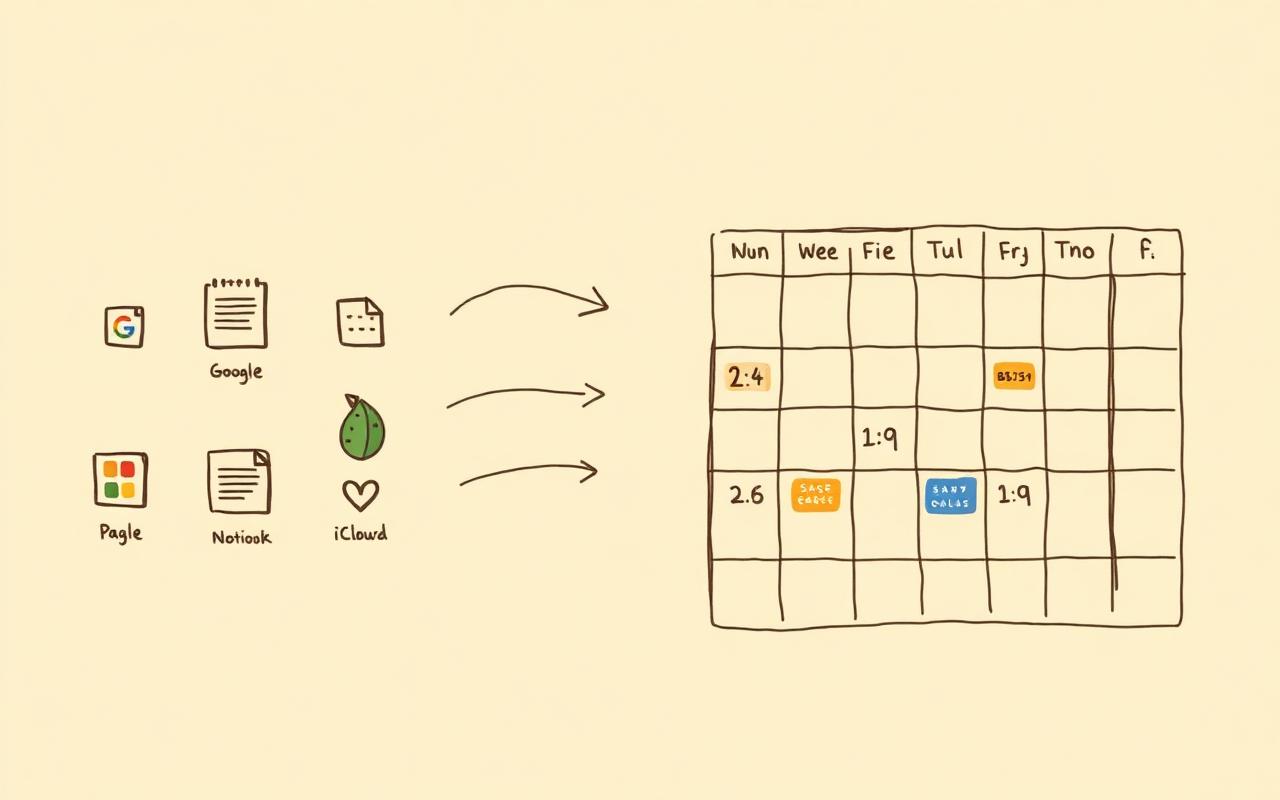
Works with every calendar you already use
Google Calendar, Notion, Lark, Outlook, iCloud, or any ICS feed — Floatboat reads them all. There's no new calendar to live in, no migration, no team rollout. Connect once and the agent reads the rhythm of your real week.

vs. the category
Other AI scheduling assistants book the block. Floatboat runs it.
Motion, Reclaim, and Clockwise are excellent at protecting time for work you still have to do yourself. Floatboat treats each block as a scheduled agent run — so the work is half done by the time you sit down.
- What a calendar block ISAn agent run (model + files + approval)A protected time slotA protected time slotA protected focus window
- Who does the actual workAgent — drafts, research, follow-upsYouYouYou
- Runs while you sleepYes — overnight blocks ship by morningNoNoNo
- Auto prep before meetingsBrief + files in your inbox 10 min beforeReminder onlyReminder onlyReminder only
- Auto follow-up after meetingsRecap + next-step email draftedManualManualManual
- Approve-before-bookYes — preview the week, one-click undoAuto-applies, manual revertAuto-applies, manual revertAuto-applies, manual revert
- Calendar sourcesGoogle · Notion · Lark · Outlook · iCloud · ICSGoogle · OutlookGoogle · OutlookGoogle · Outlook
- Lives whereNative Mac & Windows appWeb appWeb appWeb app
AI Scheduling Assistant FAQ
Your calendar already knows what you owe this week. Let it do the work.
Download Floatboat free, point it at the calendar you already use, and watch the week's work get done — block by block, on schedule.