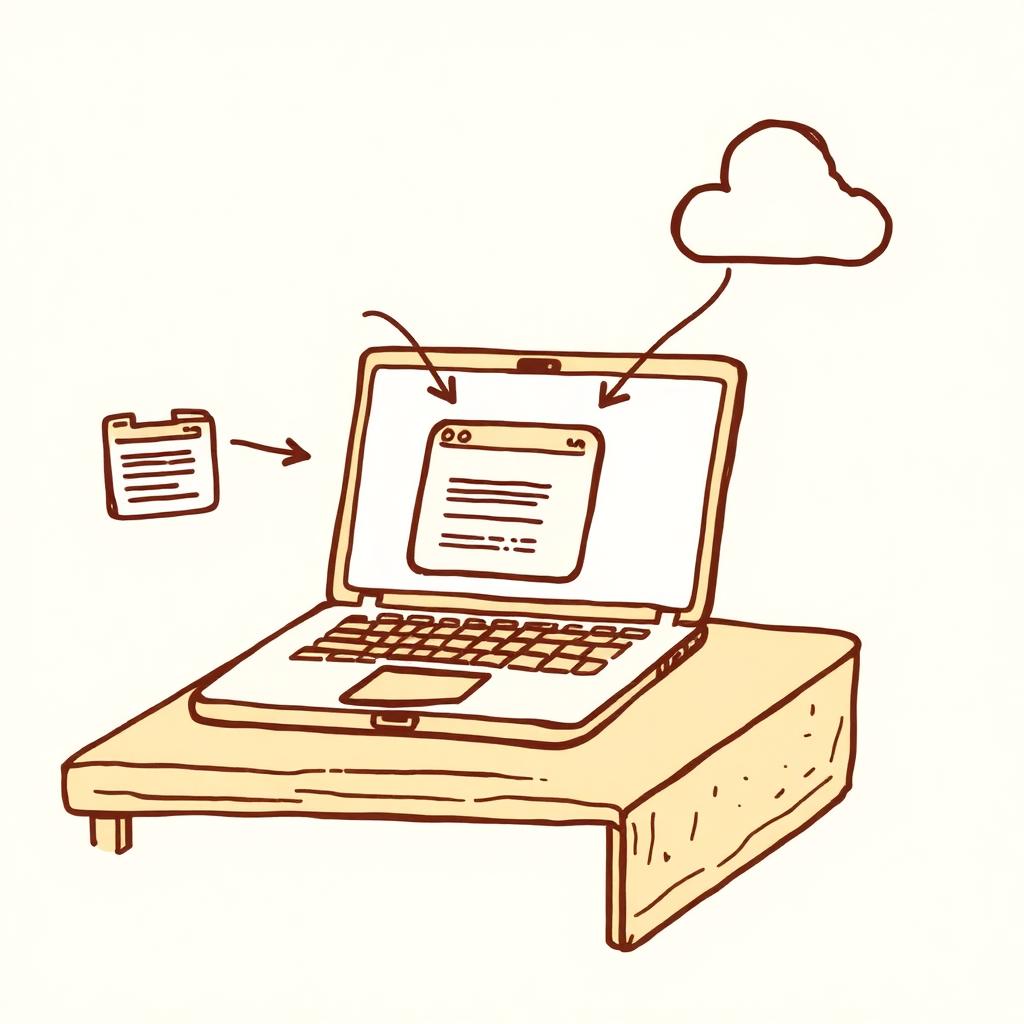
Not a Prompt — A Packaged Workflow

Floatboat is the native desktop runtime for the open Agent Skills Marketplace. Browse the Combo Store, install reusable AI agent skills in one click, and run them locally on Mac or Windows — touching your files, calendar and apps without a cloud round-trip, portable across any model you authorize.

A skill here isn't a prompt to paste or a vendor-locked GPT — it's a packaged workflow that installs into a local runtime, reads your real files, and travels with you across models.
One runtime, hundreds of skills — the stack you install depends on which side of the desk you sit on.
No CLI, no API key wiring, no vendor account. Open the catalog, install in one click, approve the first run.
01
The Combo Store ships inside the desktop app. Filter by category — research, drafting, ops, design — or search for a workflow you'd otherwise build by hand.
02
Pick a skill and click Install. The SKILL.md, tool grants, file templates and guardrails drop into your local workspace — nothing to configure, nothing uploaded.
03
Invoke the skill from chat or schedule it on your calendar. The runtime asks you to confirm before any file is written, any email is sent, or any model call leaves your machine.
Prompt libraries give you a snippet. The GPT Store and Claude Skills give you vendor-locked agents in someone else's cloud. Floatboat runs open Agent Skills natively on your machine — so a skill can touch your files, your calendar, and any model you authorise.
Ready to browse the catalog? Open the Combo Store →
Floatboat is the local runtime for the open Agent Skills Marketplace — open the Combo Store, install in one click, and the skill runs on your Mac or PC with zero uploads.