Skip to content

The AI File Organizer for your desktop.

A native desktop app for macOS and Windows — Floatboat doesn't just sort, it talks it through with you first. Say what you want in plain words, preview the full nested tree, approve in one click, undo anytime. 100% local, on-device, nothing uploaded.

Free · No signup · Apple Silicon, Intel, Windows 10/11+

Floatboat — File Organizer
SendK ResetZ Undo
Macintosh HD › Users › you › Desktop
Listening…
NameKindSizeModified
  • Screen Shot 2025-09-12.pngPNG image1.2 MBJul 23, 7:06 AM
  • Screen Shot 2025-09-14.pngPNG image3.2 MBSep 17, 9:20 AM
  • IMG_4829.heicHEIC image150 KBNov 19, 11:10 AM
  • IMG_4901.heicHEIC image3.8 MBAug 12, 8:25 PM
  • Document(3).pdfPDF document8.3 MBDec 4, 12:29 PM
  • contract_signed (2).pdfPDF document3.8 MBJan 5, 1:24 AM
  • scan001.pdfPDF document2.9 MBSep 21, 9:56 AM
  • untitled.docxWord document2.3 MBOct 2, 10:51 PM
  • report-final-FINAL-v3.xlsxExcel sheet2.3 MBDec 20, 12:05 PM
  • voice-memo.m4aAudio8.2 MBJun 14, 6:35 PM
  • acme-logo-export.zipArchive4.5 MBMar 3, 3:38 AM
  • moodboard.figFigma file6.7 MBJun 2, 6:47 PM
Drop a folder here to organize
v1.4 0 uploads

Conversational, not commanding

It negotiates the plan with you, not at you

Say "tidy my desktop" and Floatboat asks the right follow-up — by project? by type? by date? It clarifies before it acts, shows you the full nested tree, and only moves a single file after you click Approve. Tweak in the same chat, hit ⌘Z to undo every move in reverse order.

Chat → preview → approve
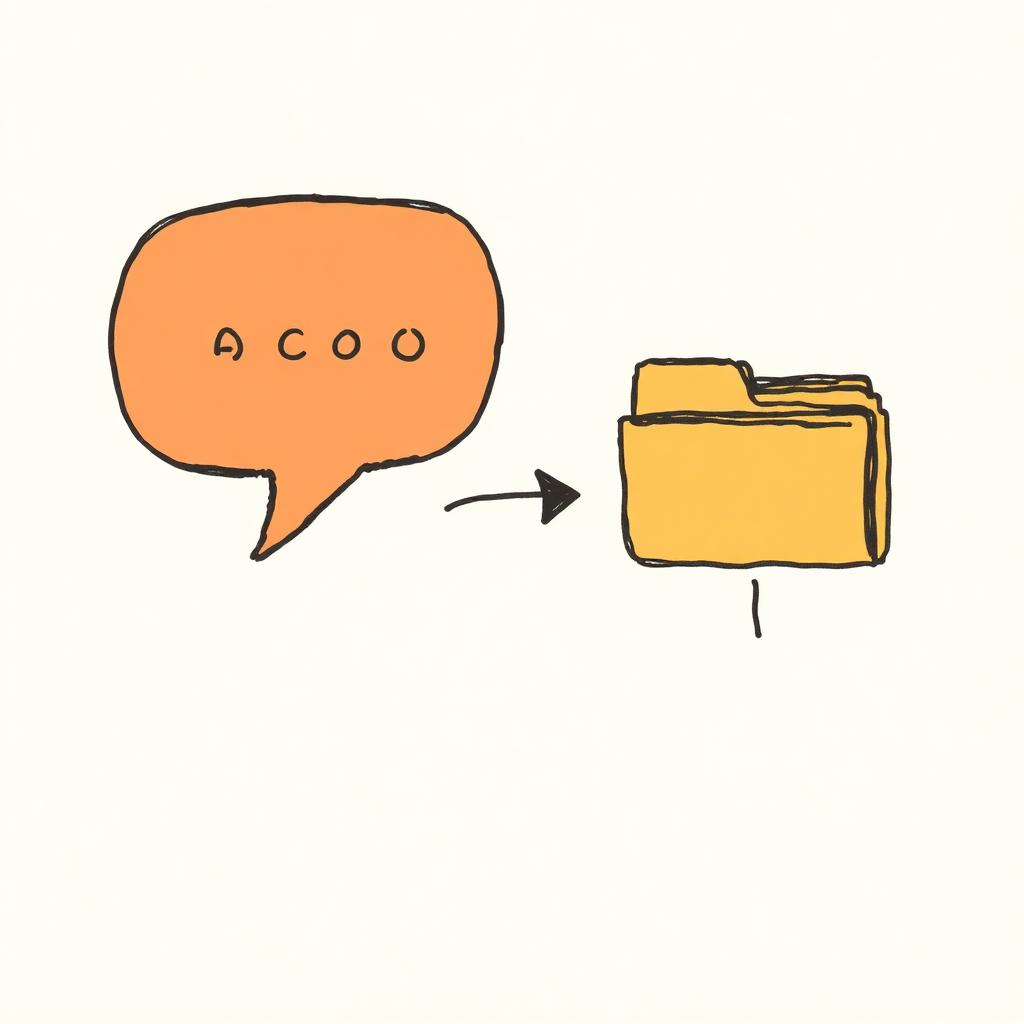
A chat speech bubble exchanging an arrow with a nested folder tree

Sort and rename in one pass

From a pile of Document(3).pdf to a folder that makes sense

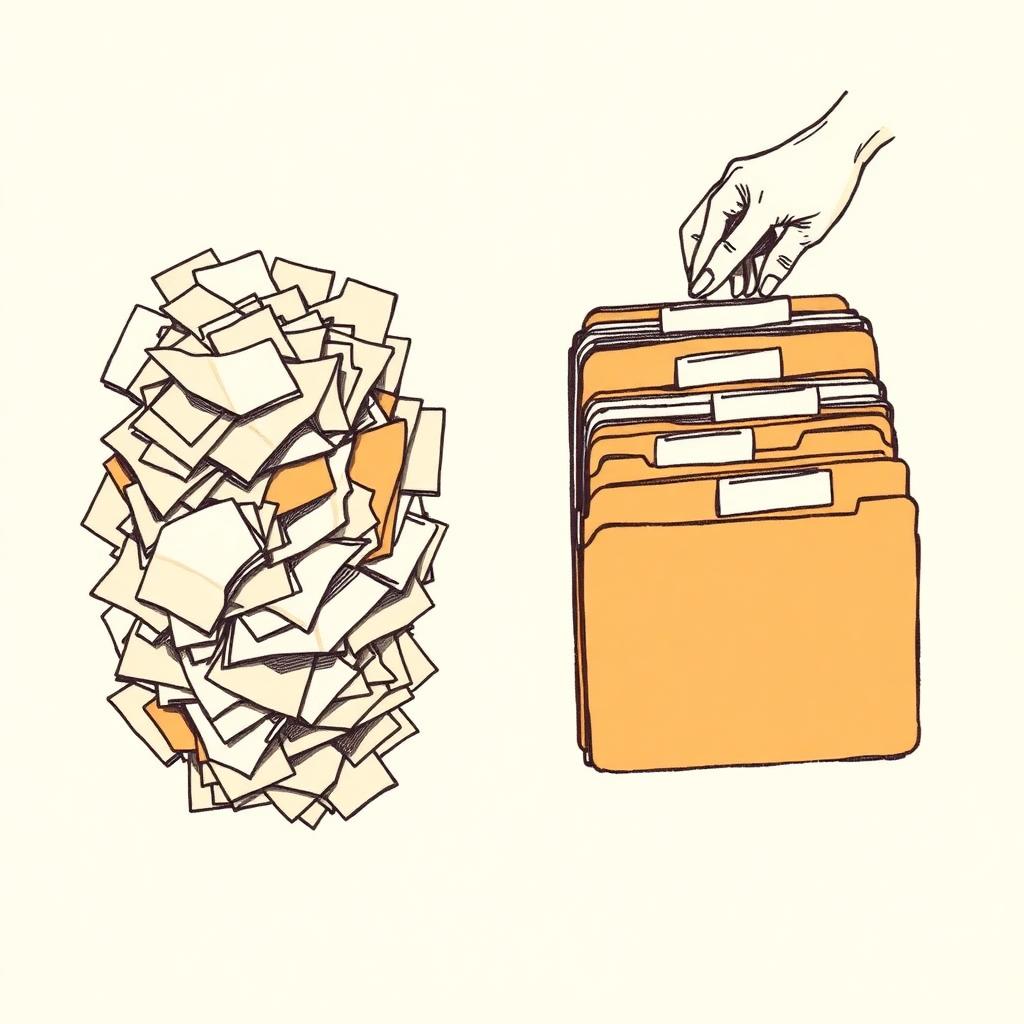
Point Floatboat at any folder — Downloads, Desktop, Documents, a project dump, an external drive. It reads each file's actual content (not just the name), groups them into folders that make sense, and proposes clear, searchable filenames. Preview every change before it's applied.

One pass · sort + rename
A messy pile of paper documents being sorted by a hand into neat labeled folder tabs

Native · on-device · offline

Your files never leave your computer

Most AI file organizers quietly upload your documents to a cloud model. Floatboat doesn't. The classifier and the renaming model both run on-device — Apple Silicon's Neural Engine or your Windows GPU — so the app works offline on a plane and your file contents never touch a Floatboat server.

On-device · 0 uploads
A laptop on a desk with a padlock on its screen, a crossed-out cloud floating above, and a WiFi-off icon

More than an organizer

Once your files are tidy, the agent keeps working

File organizing is one skill in Floatboat. The same workspace chains into the scheduling agent that runs each calendar block, into FloatIM where agents and humans share a room, and into the Combo Store for one-click skills like "organize → summarize → send."
One workspace · many agents
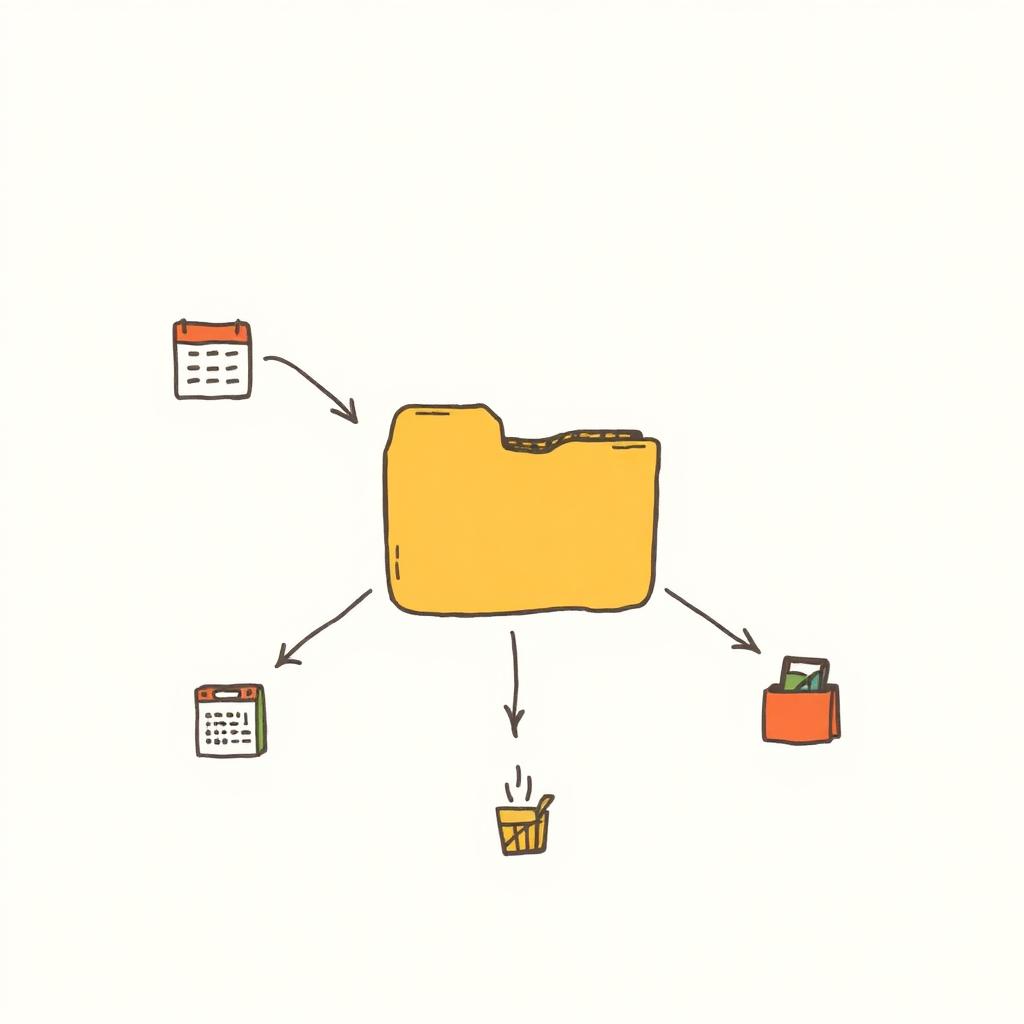
A tidy folder connected by arrows to a calendar, a chat bubble, and a shopping bag of skill cards

vs. single-purpose utilities

Why pay for one utility when one workspace does it all?

File organizers, renamers, and clean-up apps each solve one slice of desktop chaos. Floatboat does the slice — then keeps going as a real agent runtime.

CapabilityFloatboatTypical AI file organizer
  • Where it runsNative macOS / Windows appBrowser tab or web upload
  • Runs 100% locallyYes — on-device AIMost upload to cloud
  • Works on Mac & WindowsBoth, native buildsMac-only is common
  • Reads file contentsDocuments, images, spreadsheetsOften filenames only
  • Rename + sort in one passYesUsually one or the other
  • Conversational preview & undoChat → tree preview → one-click undoApply immediately, hope for the best
  • Beyond organizingChain into Combos, FloatIM, agentsSingle-purpose utility
  • Learns your habitsTacit Engine remembers preferencesStatic rules only

File organizer FAQ

A clean desktop, one click away.

Point Floatboat at your messiest folder. Watch it sort, rename, and tidy — on your own machine.

Free download for macOS and Windows. No signup, no upload, no monthly tokens.