Skip to content

AI Coworker

Floatboat is a local-first AI coworker for macOS and Windows. Hand off real tasks — research, spreadsheets, files, scheduling — and get a finished deliverable. Your files stay on your computer, and you choose which model does the work.

Overhead photo of a wooden desk with an open laptop and an empty chair pulled up beside it with coffee, notebook and headphones — as if a virtual coworker just sat down

Why Choose Floatboat as Your AI Coworker

Most desktop coworker products either lock you to one vendor's cloud or rent you a remote Linux box. Floatboat runs on the machine you already work on, picks the right model per task, and ships with the calendar as the runtime.

01 / 04

Lives on Your Computer, Not in a Cloud Tab

Floatboat reads the folders you grant it as live Selfware objects — no upload, no mirror copy. The status bar shows the live upload count and stays at zero for most tasks. Pick a folder, set the scope, get to work.
Local-first · 0 uploads


A laptop on a wooden desk with stacks of paper file folders beside it and a padlock glyph on the screen

02 / 04

One Coworker, Every Model You Trust

Auto Mode routes each task to the model that fits — DeepSeek for reasoning, Kimi for long files, GLM and MiniMax for general work — with no API key, no VPN, no Chinese phone number required. Pin a specific model per task when you want to.
Auto Mode · 4+ models
Four ceramic coffee mugs of different colors lined up beside a laptop on a wooden desk

03 / 04

Works in a Calendar, Not Just a Chat Thread

A chat thread forgets. A calendar block runs. Floatboat turns your week into the agent's runtime — every block is a goal, a model and a file scope. The coworker shows up at the right time with the right context, instead of waiting for you to type again.
Calendar = runtime
An open paper calendar planner with a pen, coffee and a laptop showing a calendar grid on a wooden desk

04 / 04

Open Protocols, Not a Walled Subscription

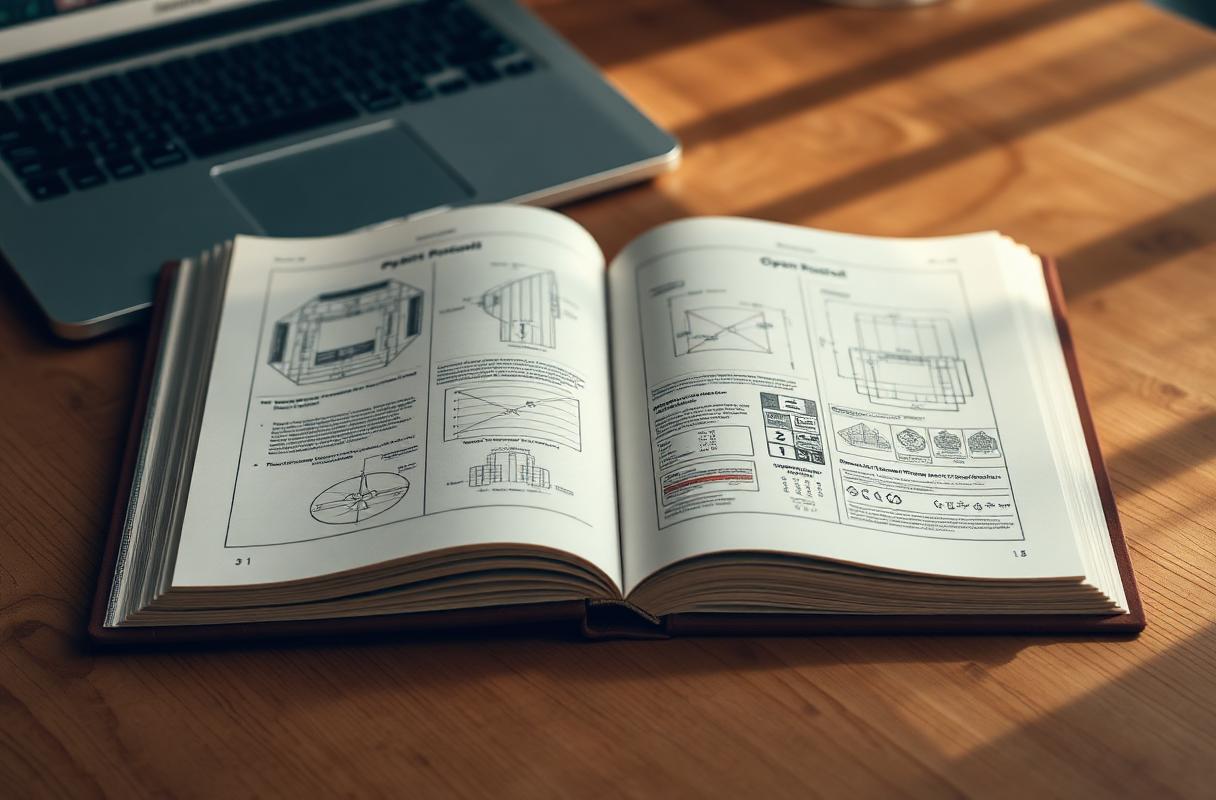
Selfware (the agent file format) and IACT (the interactive agent chat protocol) are MIT-licensed. The same coworker that runs inside Floatboat can show up in Slack, Discord, Telegram or your own client — nothing is locked behind a vendor portal.
IACT + Selfware · MIT
An open hardcover book with blueprint diagrams on a wooden desk beside a laptop

How to Hire an AI Coworker on Your Desktop

No API key, no admin rollout, no remote VM. Download the app, grant a folder, drop a goal.

  1. 01

    Download Floatboat

    Free for Mac (Apple Silicon + Intel) and Windows 10/11. Install in under two minutes — no account, no credit card.

  2. 02

    Grant a folder & pick a model

    Pick the folders your coworker can read and write. Leave Auto Mode on, or pin a specific model — DeepSeek, Kimi, GLM, MiniMax — per task or per calendar block.

  3. 03

    Drop the goal, approve the result

    Type the outcome in plain words or schedule it as a calendar block. The coworker plans, executes and pings you only when a decision or approval is needed.

AI Coworker vs. Chat-Only Assistants

Most "AI coworker" products are a chat tab with file uploads bolted on, or a remote desktop you rent by the hour. Floatboat is a local-first desktop client that treats your machine — files, calendar, apps — as the workspace.

CapabilityFloatboatCloud chatBrowser agentSandbox VM
  • Where it runsYour Mac or PCVendor cloud tabVendor cloud browserDisposable Linux VM
  • Reads your local filesYes — in place, no uploadManual paste / uploadLimited / via downloadMirrored copy only
  • Model choiceAuto Mode + 4+ modelsSingle vendor modelSingle vendor modelPer-image bundle
  • Calendar as runtimeYes — blocks run agentsNoNoNo
  • Cross-platformmacOS + Windows 10/11BrowserBrowserHosted Linux
  • Open protocolsIACT + Selfware (MIT)ProprietaryProprietaryContainer API
  • PricingFree desktop clientPaid subscriptionPaid subscriptionInfra costs

AI Coworker FAQ

Hire Your First AI Coworker

Free for Mac and Windows. Files stay on your computer, the model is yours to pick, and the runtime is the calendar you already keep.