Skip to content

Your Agent Has Its Own Browser

Floatboat's agent runs in a browser of its own — it reads the files you selected, verifies people and pages on the live web, builds a research table, and hands the work back to your calendar. Your own tabs stay untouched.

What an Agent Browser Actually Changes

Not a scraper, not a chat with links — a real browser the agent operates in parallel, reading your files and writing back a table you can act on.

A Browser That Belongs to the Agent, Not to You

The agent opens, scrolls and clicks in its own window while you keep working in yours. No hijacked tabs, no lost session, no waiting for a bot to finish before you can check email.
Agent · browser
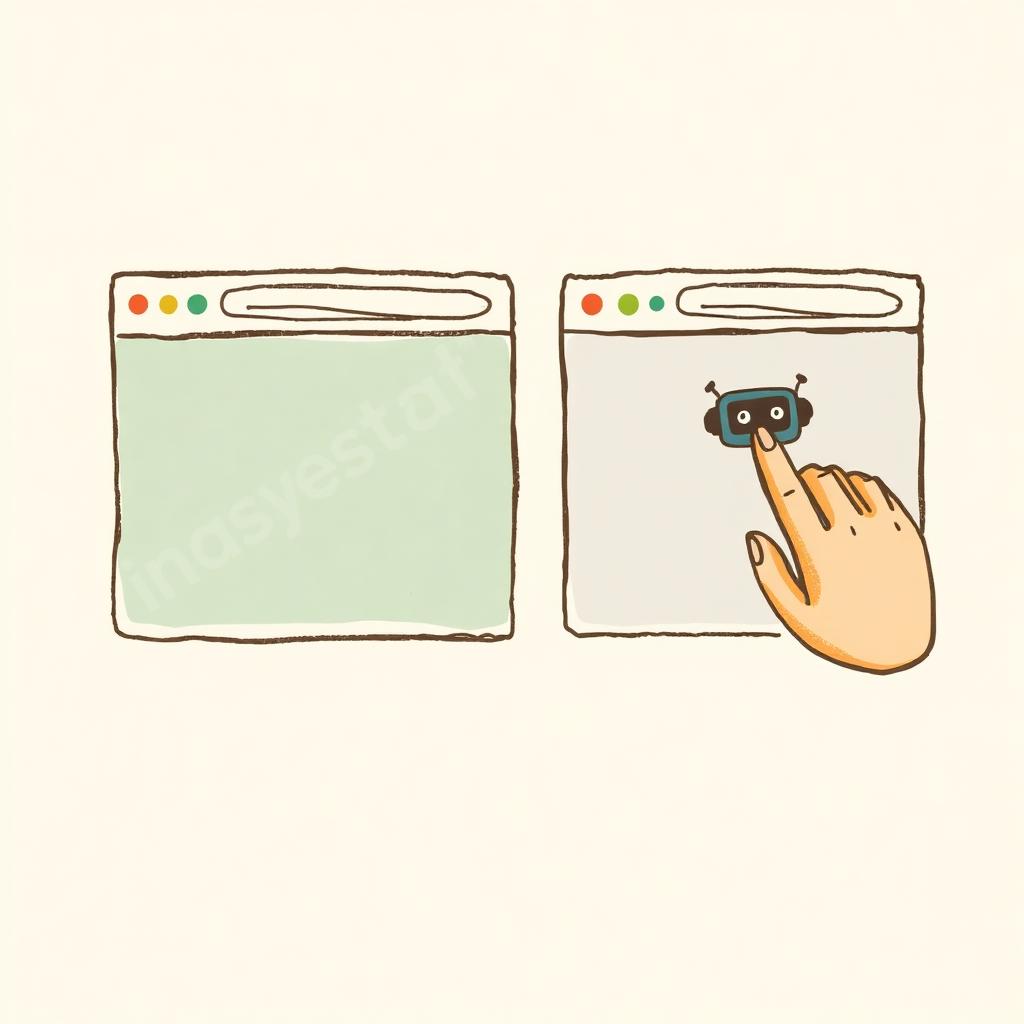
Two browser windows side by side — one operated by a human, the other by a small agent

Reads What You Selected, Writes What You Need

Hand it a shortlist, a brief or a folder of notes. It uses those as context, verifies each entry on the live web, and returns a structured research table — creators, vendors, competitors, sources — instead of a wall of chat.
Context · table
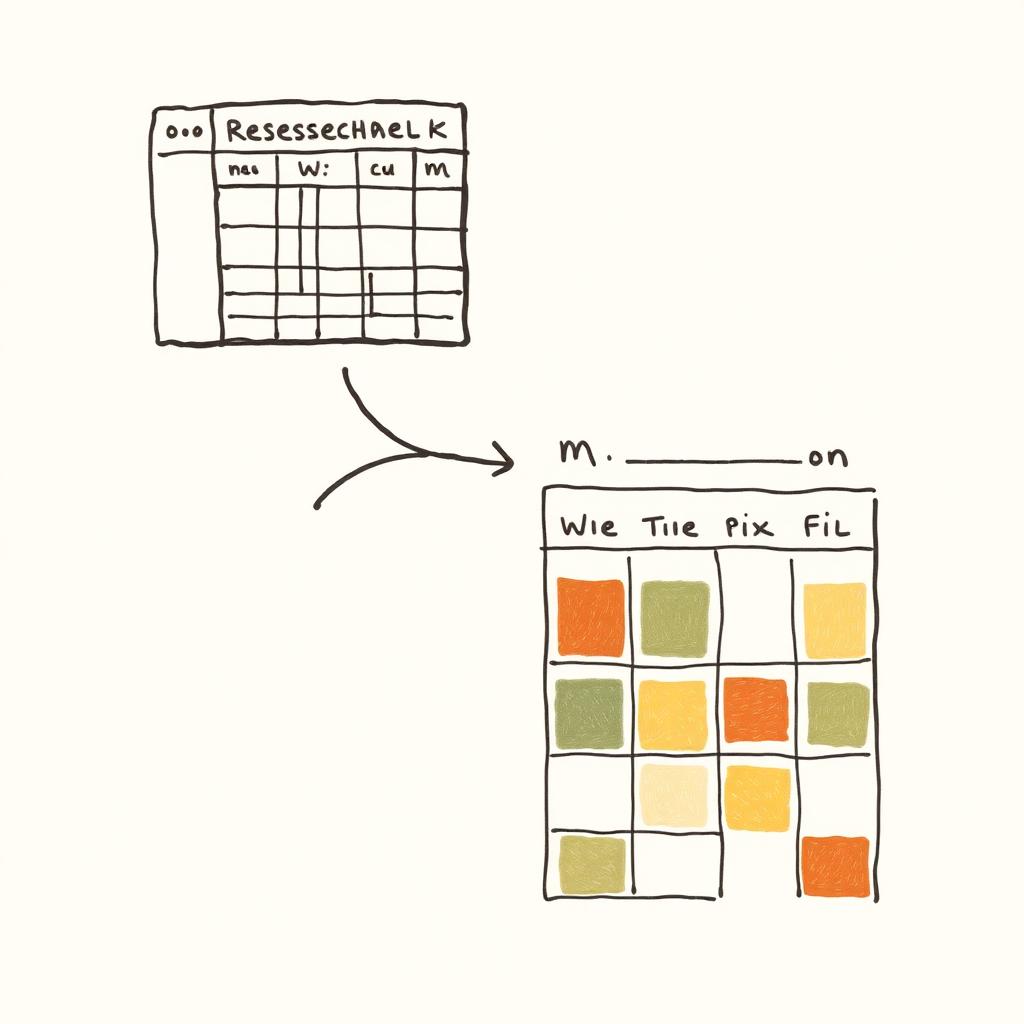
A stack of selected files feeding into a clean research table

Loops Back Into Your Calendar

Once the table lands, the Scheduling Assistant drops outreach, follow-ups and reporting onto your week. Research stops being a doc that dies in a folder and becomes work that actually runs.
Runtime · calendar
A research table flowing into a weekly calendar with colored blocks

Who Puts the Agent Browser to Work

Same separate browser, same research-table output — different shortlists on the operator's desk.

Frequently asked

Give Your Agent Its Own Browser.

Download Floatboat, hand the agent a folder of files, and let it come back with a research table your calendar can run.